
Zendesk often releases updates and new features, and keeping up can be a full-time job. Here’s our expert breakdown of the latest announcements, published August 2026.
What We Think:
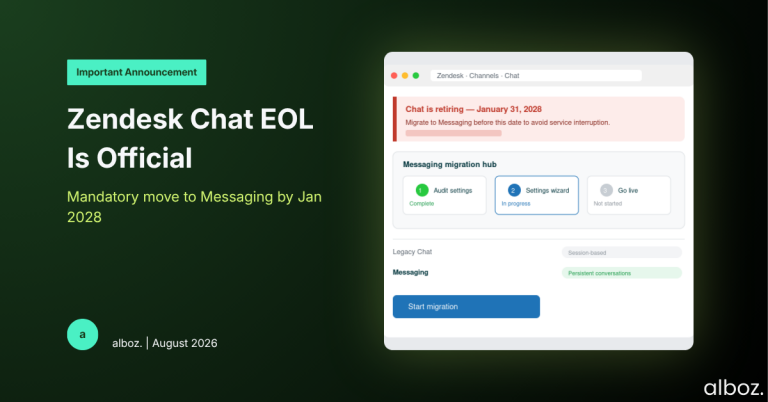
The long-expected Zendesk Chat EOL (End-of-Life) announcement is finally here. Zendesk is officially retiring its legacy Chat product for Suite and Support+Chat customers on January 31, 2028, pushing everyone towards its more modern, AI-centric Messaging platform. While this is a significant operational shift, it’s ultimately the right move. Chat has been stagnant since 2020, and the future of CX is undeniably tied to the AI and omnichannel capabilities that only Messaging can support. Our verdict? This is a necessary and positive evolution, but it requires a thoughtful, planned migration. Don’t wait until the last minute.
The Reality Check: What’s Actually Changing?
Let’s cut through the corporate-speak. Zendesk is sunsetting a product you likely use every day. Here’s the simple breakdown:
- The Product: The classic Zendesk Chat (sometimes known as Zopim) is being retired.
- The Deadline: You must be fully migrated off Chat by January 31, 2028.
- The Replacement: Everyone is being moved to Zendesk Messaging, which offers a different, more “asynchronous” conversational style, like Facebook Messenger or WhatsApp.
- The Reason: Zendesk is betting its future on AI, and the old Chat architecture simply can’t support the advanced AI agents, routing, and agent assistance tools they are building. This move is about future-proofing the platform.
Zendesk is providing a generous transition window, with self-service migration tools and continued access to your legacy Chat dashboard until July 28, 2028, to help you manage the change. This isn’t a surprise move; it’s a strategic shift that has been telegraphed for years. Now, the timeline is official.
Our Expert Opinion: The Shift from “Live Chat” to “Conversations”
The core of this announcement isn’t just a product swap; it’s a fundamental change in customer interaction philosophy. The biggest operational impact will be moving from session-based “live chat” to persistent, continuous conversations. This is what Zendesk means when it says “no missed conversations”.
In the old Chat world, a conversation was a discrete event. It had a clear beginning and end. If a customer navigated away, the chat ended. If an agent wasn’t available, the customer was met with an offline form. Messaging changes all of this. A conversation can now last for minutes, hours, or even days. A customer can send a message, go make a cup of tea, and pick up the conversation right where they left off on any device.
This is a massive win for customer convenience, but it requires a change in agent mindset and workflow. Your team needs to be trained to handle multiple, ongoing asynchronous conversations rather than a queue of real-time chats. Service Level Agreements (SLAs) and metrics will need to be re-evaluated. First Reply Time (FRT) becomes more nuanced when a conversation is persistent. We believe this is a critical area to focus on during your migration planning.
Furthermore, Zendesk is making it clear that all future innovation—Zendesk AI, proactive messaging, new channel integrations—will only be available on Messaging. Sticking with Chat is not an option if you want to leverage the best of the platform. This Zendesk Chat EOL isn’t just about deprecating old tech; it’s about pushing customers towards a more powerful, albeit different, way of working.
How We’d Handle the Rollout: A Phased Migration Plan
While the 2028 deadline seems far away, we’re advising all our clients to start planning now. A rushed migration can disrupt your support operations and negatively impact your customer experience. We’ve developed a strategic checklist to guide a smooth transition from Chat to Messaging.
| Phase | Key Actions | Our Advice |
|---|---|---|
| Phase 1: Discovery & Planning |
| This is the most critical phase. Don’t just lift-and-shift your old setup. Use this opportunity to re-evaluate your conversational strategy. What can you automate? How will you handle asynchronous query expectations? Get your operational plan on paper first. |
| Phase 2: Technical Setup & Testing |
| The wizard is a great starting point, but it won’t do everything. Pay close attention to customising the conversation flow and branding. Involve a small group of power-user agents in this testing phase to get early feedback. |
| Phase 3: Training & Go-Live |
| Do not underestimate the training required. The agent experience is different. Emphasise how to manage multiple ongoing conversations and how to set response time expectations with customers within the conversation itself. |
| Phase 4: Optimisation & Expansion |
| Your work isn’t done at launch. Messaging is a powerful platform that unlocks new capabilities. Plan to review performance quarterly and continuously look for ways to leverage AI and automation to improve efficiency and customer satisfaction. |
In summary, the Zendesk Chat EOL marks a significant step forward for the platform. By embracing Messaging, you gain access to a more powerful, flexible, and AI-driven future for your customer service operations. With a clear plan and proactive approach, this transition can be a catalyst for significant improvements in your customer experience.


