If you Google ‘Sync Zendesk with Jira’ you’ll quickly discover hundreds of step-by-step guides using a sync tool called Exalate. Digging deeper you’ll notice just about all of them are promotional or affiliate-driven (this is not one of them).
Nothing against Exalate—affiliate marketing is powerful but these guides are nearly identical and only touch the surface of syncing a handful of standard fields. Exalate is a powerful and flexible synchronization tool used to integrate issue trackers, project management, and ITSM systems. It enables bi-directional synchronization between platforms, facilitating seamless collaboration and data sharing.
Exalate Modes
Most use cases require more than basic mode. Exalate offers three modes (one still in beta):
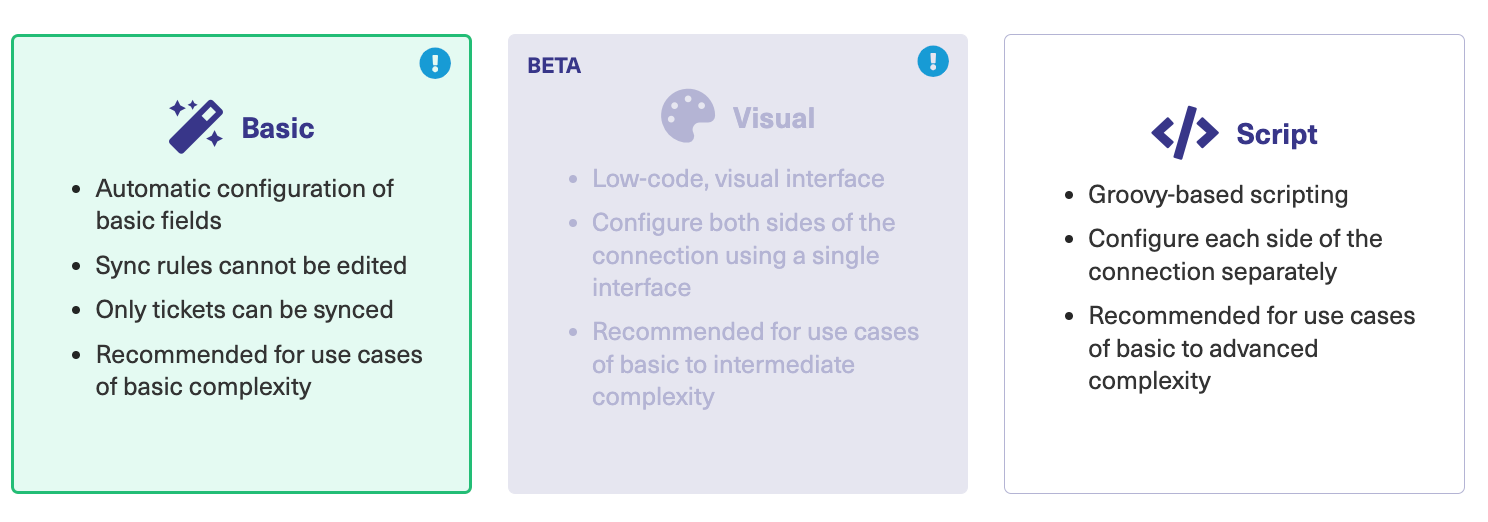
Basic Mode
Included in the free plan, but highly restricted. It “just works” for syncing basic fields (summary, description, comments, attachments). Issue types are mirrored (tasks, bugs, improvements), but unsupported types are synced as tasks. Anything beyond this including automation, requires a paid plan.
Visual Mode
An upgrade from Basic. Appears suited for simple cases, but hidden in the configuration is an “Add Script” option exposing full Groovy scripting capabilities.
Script Mode
The most flexible mode. Allows full control of both sides using inbound and outbound Groovy scripts, enabling advanced ETL operations with Exalates’ helper functions.
It all sounds great, so what’s the problem?
Having used Exalate for more than a year, I’ve identified challenges. Basic mode is too rigid, Visual mode is still in beta, so I focus here on Script mode. These findings are based on Zendesk ↔ Jira, but I’ll update after using it with ServiceNow and Salesforce.
Challenge #1: Debugging is really difficult

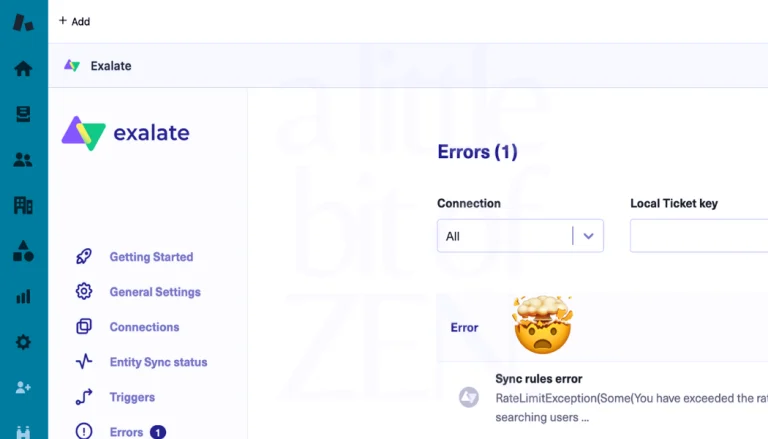
Script-based integrations naturally have problems—especially with data transformation. The issue is Exalate doesn’t output debug info or exceptions to a console. You’re left with limited error messages from the sync queue or connection screens. The exalate_support_zip provides the same info plus unrelated logs.
Tips for managing errors
- Align field types across platforms: Match field types and values before syncing to reduce transformation errors.
- Debug into a dedicated field: Create a hidden text field in Zendesk to capture payload/debugging info for failed syncs.
- Build exception handling into scripts: Handle nulls, missing values, and exceptions for every mapped field.
Challenge #2: Migration is not supported
Our use cases were:
- Two-way sync of new tickets from Zendesk to Jira
- Migration of Jira Service Management issues to Zendesk
Exalate does not support migration officially. They don’t market it that way, but said it was “possible.” After much effort, we built a working script to migrate thousands of issues, but it required heavy data cleansing and debugging. In hindsight, a dedicated migration service may have been faster and cheaper.
Challenge #3: Justifying the need if using Script Mode only
If we’re writing Groovy scripts all day, do we need Exalate? It’s marketed as “easy,” but Script Mode is developer-heavy. With the right skills, we could leverage the Zendesk and Jira APIs directly, host scripts in our own cloud, own the IP, reduce limitations, and save on Exalate fees.
Bottom Line
Exalate has its uses. For non-technical or semi-technical users working in visual mode, it provides value as a simple sync tool. But when complexity is involved, script mode feels unnecessary. We can achieve better performance and security by writing and self-hosting our own scripts.