
A buyer’s guide for customer experience leaders, support heads, team leads, and Directors of CX.
If you lead customer support, manage a CX team, or hold accountability for customer retention, you have almost certainly encountered the question: “Should we consolidate everything on HubSpot, or go best-of-breed with Zendesk?” This guide cuts through the noise and gives you a frank, capability-by-capability comparison so you can make the right call for your organisation.
Zendesk vs Hubspot / CRM Suite vs CX Platform
HubSpot is, at its heart, a marketing and sales CRM. Its Service Hub is a more recent addition, built on top of a platform designed to attract and convert customers – not to support and retain them at scale. Zendesk, by contrast, was built from day one as a customer service platform. That heritage matters enormously when you are handling high volumes of complex support interactions.
HubSpot is an excellent choice if your primary goal is unifying marketing, sales, and light-touch service in a single interface. But if your CS function is a serious operational capability – one that directly impacts retention, lifetime value, and customer satisfaction scores – you will quickly encounter the limits of a marketing platform moonlighting as a service tool.
Who Is This Decision Really For?
Before diving into features, it is worth being clear about which organisations each platform serves best.
HubSpot is likely the right choice if you…
- Are an SMB or early-stage company that wants one affordable platform across marketing, sales, and basic service
- Have a marketing or sales leader driving the purchasing decision
- Have relatively low support volume and do not yet require advanced SLA management or omnichannel routing
- Are drawn to HubSpot’s 25% bundle discount and want to limit vendor complexity
Zendesk is likely the right choice if you…
- Lead a dedicated CX, support, or customer success function and need mature, purpose-built tooling
- Are growing rapidly and need a platform that scales with complex CS operations
- Require robust omnichannel support, advanced reporting, or granular SLA management
- Value agent productivity and want to reduce average handle time and resolution time
- Are already using HubSpot for marketing and simply want the best service layer to sit alongside it
Head-to-Head Feature Comparison: Zendesk vs Hubspot
The table below summarises the key capability differences across areas most relevant to CX leaders.
| Category | HubSpot Service Hub | Zendesk |
|---|---|---|
| Primary Focus | Marketing & Sales CRM with service add-on | Purpose-built Customer Service platform |
| Omnichannel Support | Limited – no native SMS; does not support Apple Business Chat or LINE | Full omnichannel: email, chat, voice, social, SMS and more |
| Knowledge Base | 1 knowledge base (Professional); up to 25 (Enterprise) | Up to 300 knowledge bases (Suite Enterprise) |
| Agent Workspace | Siloed – multiple separate conversations per channel; 10–20 second delays when switching tickets | Unified workspace with full cross-channel thread history |
| Incident Management | Not available | Full problem-incident linking |
| Side Conversations | Not available – agents must leave the platform to involve other departments | Built-in, enabling internal collaboration without switching apps |
| SLA Management | Basic: response time, ticket prioritisation, working hours | Comprehensive: includes requester wait time and a broader range of SLA metrics |
| Automation & Customisation | Limited workflow customisation | Advanced automation, custom views, and flexible rules |
| HubSpot Integration | Native (built-in) | Native marketplace integration – used by 1,900+ mutual customers |
| Entry Pricing | From $9/seat/month (Starter); $90 (Professional); $150 (Enterprise) – paid annually | Startups: 6 months free. Contact alboz. for special pricing. |
| Hidden Costs | SSO, custom objects, field-level permissions, hierarchical teams, and team goals locked to Enterprise tier | Transparent per-feature pricing |
| Customer Base | — | 165,000+ companies globally |
| Best For | SMBs prioritising marketing & sales consolidation with light-touch service needs | CX-focused organisations requiring best-of-breed customer support |
Where HubSpot Falls Short for Serious CX Teams
1. Omnichannel Gaps
HubSpot does not offer native SMS support – it is available only as a paid add-on. It also does not support widely used social messaging channels such as Apple Business Chat and LINE. For organisations serving customers across multiple digital touchpoints, this is a meaningful constraint that will limit your ability to meet customers where they are.
2. Knowledge Management at Scale
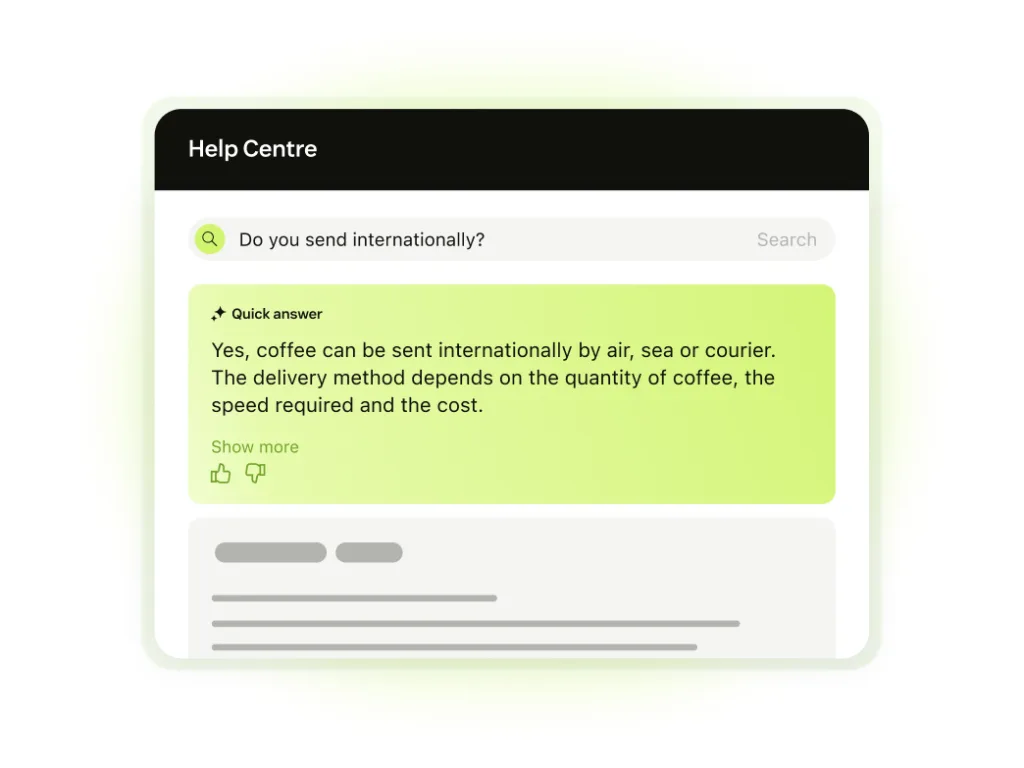
HubSpot’s Professional tier limits users to a single knowledge base. The Enterprise tier raises this to 25. Zendesk’s Suite Enterprise supports up to 300 knowledge bases – a significant difference for organisations managing multiple brands, regions, or product lines. HubSpot also has no equivalent to Zendesk’s Knowledge Capture feature or Knowledge in the Context Panel, which help agents surface relevant content at the precise moment of need.
3. The Agent Experience Problem
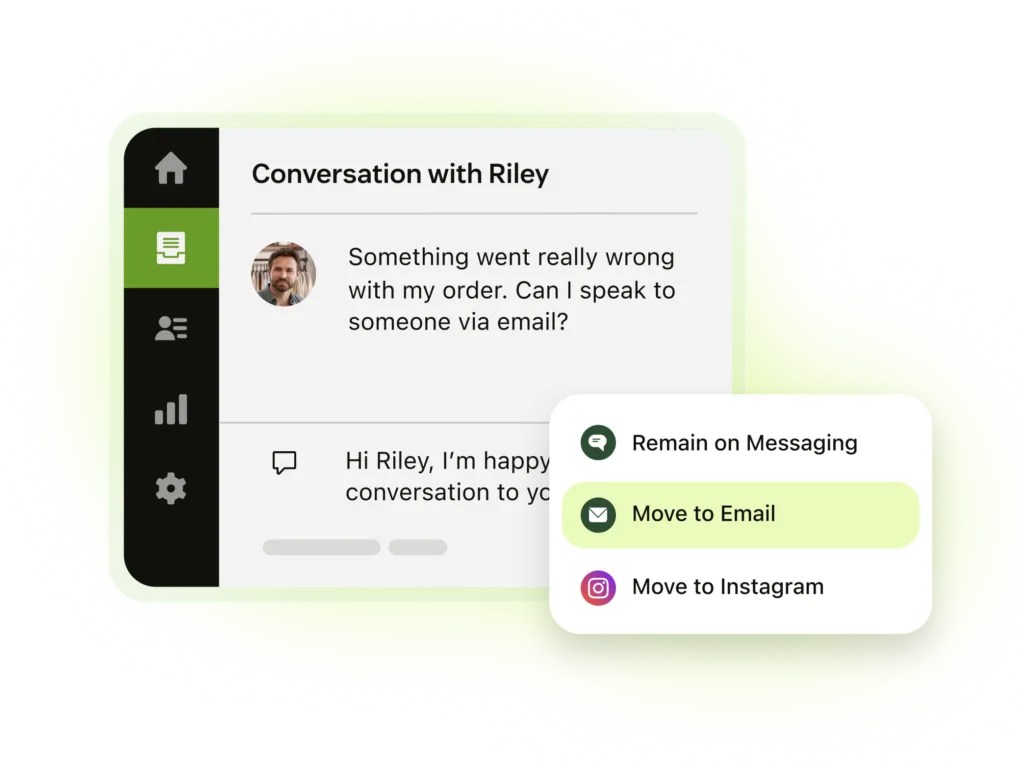
In HubSpot’s agent workspace, conversations from different channels are siloed. There is no unified thread across channels – a customer who contacts you by email and then via chat generates separate conversations with no shared context. Agents must also switch to external applications to loop in internal colleagues, as HubSpot has no equivalent to Zendesk’s side conversations feature.
There are also reported performance issues: agents experience 10–20 second delays when switching between tickets. Over the course of a working day, this adds up significantly and directly impacts handle times and customer satisfaction.
4. Incident Management
For teams managing recurring issues or outages, Zendesk’s problem-incident linking is a critical feature. It allows agents to link multiple related tickets to a single problem record and communicate updates to all affected customers simultaneously. HubSpot has no equivalent capability, meaning teams either rely on manual processes or risk inconsistent communication during incidents.
5. SLA Management
HubSpot’s SLA tools cover the basics: response time targets, ticket prioritisation, and working hours. Zendesk offers a substantially more comprehensive SLA framework, including requester wait time as a metric, a broader range of SLA conditions, and more granular reporting. For organisations with defined service commitments to customers – particularly in B2B contexts – this gap is material.
6. Hidden Costs as You Scale
HubSpot’s pricing looks attractive at entry level, with Starter plans from $9 per seat per month. However, a number of features that mature CS operations consider essential are locked behind the Enterprise tier ($150/seat/month), including:
- Single sign-on (SSO)
- Custom objects
- Field-level permissions
- Hierarchical teams and advanced user roles
- Team goals
As your CS operation grows, the effective cost of HubSpot frequently rises faster than expected. It is worth modelling total cost of ownership at your anticipated scale before making a decision based on entry-level pricing.
You Do Not Have to Choose One or the Other
A common misconception is that selecting Zendesk for service means walking away from HubSpot entirely. In practice, more than 1,900 companies use both platforms simultaneously via a native HubSpot-Zendesk integration available in the HubSpot marketplace.
This integration allows customer data to flow seamlessly between your marketing and service platforms, ensuring your support agents have full visibility of a customer’s marketing history and that your marketing team can act on service signals such as satisfaction scores or churn risk. You get HubSpot’s marketing automation capabilities alongside Zendesk’s service capabilities – without compromising on either side.
What Do Customers Say?
Learnsignal, an EMEA-based SMB, experienced declining customer satisfaction whilst using HubSpot for service. After switching to Zendesk, they achieved a 94% CSAT score – a clear demonstration of what purpose-built CS tooling can deliver. Zendesk supports more than 165,000 companies globally, from early-stage businesses through to enterprises with complex, multi-region support operations.

Read the full customer story here.
Questions to Ask Before You Decide
When evaluating your options, consider the following:
- How will your CS needs evolve over the next three to five years? Evaluate both platforms at your future scale, not just your current one.
- Who is driving this purchasing decision? If marketing leadership is driving the evaluation, ensure CX and support leaders have equal input – the day-to-day consequences fall squarely on them.
- What percentage of revenue comes from existing customers versus new ones? If retention is central to your business model, best-of-breed CS capabilities are worth prioritising.
- What channels do your customers use to contact you? If you need SMS or social messaging, verify HubSpot’s native support carefully before committing.
- Have you modelled total cost of ownership? Include the Enterprise tier features you will eventually need, not just today’s entry price.
The Bottom Line
HubSpot is a genuinely strong marketing and sales platform, and its Service Hub is a reasonable starting point for organisations with modest support needs. But for CX leaders who are serious about customer retention, agent productivity, and operational excellence, it represents a series of meaningful trade-offs.
Zendesk is purpose-built for customer service. It has the depth of features, the maturity, and the ecosystem that organisations need to deliver a differentiated customer experience – and it integrates natively with HubSpot so you need not choose between great marketing and great service.
If customer experience is a competitive differentiator for your organisation, it deserves a platform built specifically for that purpose.
📆 Want to discuss your options: Let’s have a call
Factual information in this post is drawn from HubSpot and Zendesk product documentation and competitive research. Pricing is based on publicly available figures and is subject to change.