
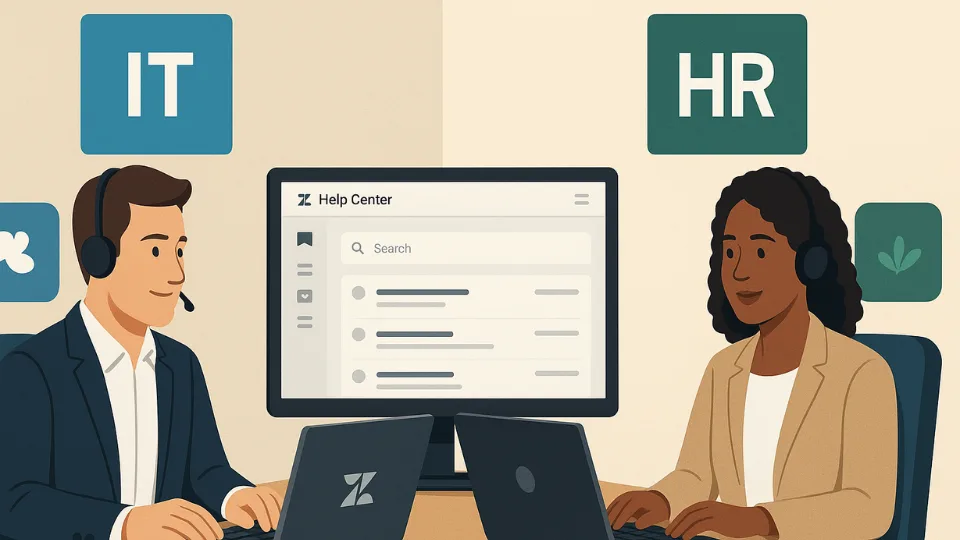
If you manage a multi-brand or multi-department support setup in Zendesk, here’s a feature you should highlight: Department Spaces, which essentially means restricting agent ticket access by brand.
⭐️ What it enables
→ Agents only see tickets from the brands they’re assigned to. No more unnecessary access to unrelated brand tickets.
→ “Brand” becomes your logical department or business line control point—not just a customer-facing label.
→ Full compatibility with omnichannel routing now, so you can use these controls without risking mis-routing.
🗣️ Example in practice
Imagine your company has three lines of business: “Consumer Products”, “B2B Enterprise”, and “Internal IT Support”. You could set up three brands:
👩🏽🤝👩🏾 Brand A = Consumer Products
🧍🏾 Brand B = B2B Enterprise
👬 Brand C = Internal IT Support
An agent who works only on internal IT tickets is assigned only to Brand C. They will not see Consumer or B2B tickets at all. Meanwhile, your Consumer-facing agents are members of Brand A (and maybe Brand B). This keeps workloads, permissions, and reporting clean, avoids crossover and data leaks, and aligns business lines with ticket visibility.
☑ Department Spaces – Action steps for you
❶ Review your current brand assignments in Admin Center → People → Team members. If you see a “Brands” column, Department Spaces is active.
❷ Map out which agents should be in which brand(department) groups and remove access where not needed.
❸ Align your groups and routing logic: Ensure that ticket routing via groups matches the brand membership (especially if you use omnichannel routing).
❹ Update your agent onboarding/training docs: Make clear that brand membership = ticket visibility.
❺ Periodically audit agents with “no brand” membership — without an assigned brand, agents may lose ticket access entirely.
🎗️Need Help?
Need a brand-assignment matrix or audit checklist tailored to your Zendesk setup? Reach out
Not on Zendesk yet? Get a free 14-day trial here.